fomo Troubleshooting: Common Problems and How to Fix Them
Table of Contents
- Why does fomo say the sell failed when I try to sell a token?
- Why is Apple Pay not working on fomo?
- Why did my small trade cost so much more than expected?
- Why don't I see perpetual futures in the app?
- Why does searching for fomo turn up a completely different app?
- Is a DM offering to help with a trade or "escrow" a scam?
- "I need help with my actual account"
- Related reading
 Most of what shows up as a "problem" with fomo turns out to be a documented limit rather than a fault. The trouble is that the app rarely tells you which limit you hit. Everything below is quoted from fomo's own help center, with the date we read it.
Three things account for most of it. A sell that will not go through is usually an unacknowledged warning label on the token, or a position worth under $2, which fomo blocks from selling outright. An Apple Pay purchase that fails is usually a card type fomo does not accept or the $2,500 daily cap. And a missing perps tab is a location restriction rather than a bug. None of the three is fixed by reinstalling.
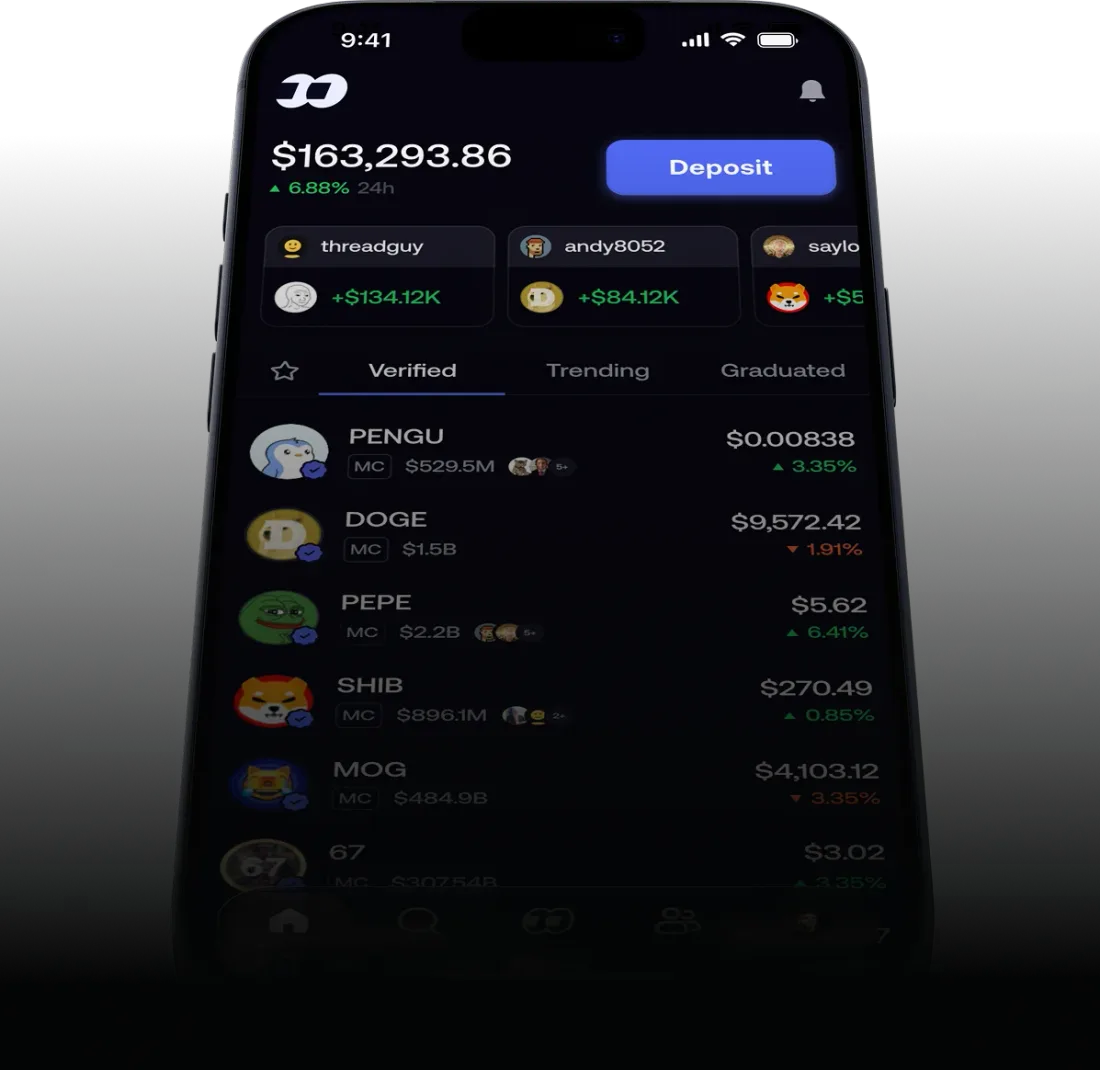
Source: fomo, official product image
Why does fomo say the sell failed when I try to sell a token?
Four different things produce the same dead button, and only one is about market conditions. fomo documents the first three, so work through them in order before assuming something is broken.
Each one is summarized below. If you want the longer version, with the help-center wording for every cause and what your options are once a position is stuck for good, the full "failed to sell" walkthrough is the dedicated page.
Work out which one it is before you try anything
Read the token's own page first, because the answer is usually printed on it. If a warning label sits at the top of the token and you have never tapped I understand on it, that is the cause, and acknowledging it unlocks trading. If there is no warning label, check what the position is worth: under 2 dollars, fomo blocks the sell outright and no setting lifts it. If the position is over 2 dollars and carries no warning, look at whether anyone can sell the token at all, using the liquidity and volume figures on the token page. And if the sell reaches the confirmation screen and only then fails, read the price-impact estimate on that screen, because the market moved rather than the app breaking.
A warning label you have not acknowledged yet. fomo gives this as the most common reason a token will not buy or sell, and the switch is on the token's own page rather than anywhere in settings. Open the token, tap the info icon or the dropdown beside the warning, read what it says, then tap I understand. Trading unlocks after that.
fomo is blunt about what the tap means: acknowledging a warning "does not remove the risk. It confirms you have seen it and want to proceed."
The position is worth less than $2. This is the one nobody guesses, and it explains most reports of a sell button that simply does nothing on a position that has fallen a long way. fomo's help center states it plainly: "If a position in your wallet is worth less than 2 dollars, you will not be able to sell it through the app." The reason it gives is that the blockchain fees to process the trade would cost more than the position is worth.
There is no setting that lifts the floor. fomo's own suggestions are a Hide dust toggle, which takes the leftovers out of your portfolio view without removing them from the wallet, or exporting your private key and burning or moving the position from an outside wallet. Note what the second option costs you: exporting the key is the point at which the custody arrangement changes, so it is not a step to take casually over a dollar of dust.
The token will not let anyone sell it. Some contracts carry restrictions written in by their developers, and fomo says directly that no platform can override them. The name for the worst version is a honeypot: a contract that, in fomo's words, prevents "users from selling the token after purchase, effectively trapping funds permanently." If that is what you are holding, the problem is not the app, and fomo cannot recover the funds.
What fomo recommends instead is prevention, and it is the only thing that works here: check liquidity and trading volume before buying, and run the contract through more than one scanner rather than trusting a single result. Our market pages publish exactly those two figures for the tokens we track, so TRUMP pool depth and 24h volume and the same figures for ACT are a starting point for what the check looks like.
The price moved while you were confirming. Trades settle on public blockchains where prices can move between the moment you open an order and the moment you confirm it, and thin markets move most.
The confirmation screen shows a price-impact estimate before the order goes through, so read it rather than tapping past it, and expect the widest gap between the price you saw and the price you get on tokens that barely trade.
Sources for this section: help.fomo.family on why a token will not buy or sell and what happens to small remaining balances, both read August 20, 2026. fomo's documentation does not describe any of these behaving differently on iOS than on Android.
Why is Apple Pay not working on fomo?
If you have never gotten a purchase through at all, the problem is more likely to be the setup than the payment, and setting Apple Pay up in the first place covers what has to be in place before any of the five below can apply.
fomo lists five reasons an Apple Pay purchase fails, and four of them are limits rather than faults. From its help center, read August 20, 2026:
| What went wrong | What fomo says |
|---|---|
| The card is not eligible | "Only bank-issued debit or credit cards are accepted. Apple Cash, prepaid cards, and virtual cards are not supported." |
| Your bank blocked it | Some banks block crypto transactions by default, and only the bank can lift that |
| You hit the daily cap | "The daily limit for direct token purchases through Apple Pay is 2,500 dollars, which resets at 12 AM EST" |
| Too many tries | Repeated failures trigger a cooldown of at least an hour |
| Where you are | Apple Pay purchases "may not be available in your area," by country or region |
The card rule is the one that catches people who are certain their card works, because it works everywhere else. Apple Cash and virtual card numbers are the usual culprits, and neither of them looks like a problem from your side of the transaction.
Which message did you get?
The wording on the failure tells you which of the five you hit. If the app says too many attempts or too many requests, it is the cooldown, and the fix is to wait rather than retry. If the amount you tried is at or above 2,500 dollars in a day, it is the daily cap, and it resets at 12 AM EST. If the card is an Apple Cash balance, a prepaid card or a virtual card number, it is the card type, and no retry will change that. If none of those fit and the card is a bank-issued debit card, the decline came from the bank or from Crossmint rather than from fomo, and the deposit routes below skip that path entirely.
The cooldown is the one that looks like a bug and is not. Once you see too many attempts or too many requests, that is a rate limit from the payment processor rather than fomo rejecting you. fomo's guidance on that message is to "wait at least one hour before trying again," and it warns that "depending on how many attempts were made, the cooldown can last longer."
Restarting the app does not reset the timer, and trying again before it expires can make the wait longer. Before your next attempt, fomo says to check the two things behind most declines: that the card is a bank-issued debit card, and that the billing address matches what your bank has on file exactly.
One detail worth knowing when you are trying to work out who declined you: fomo says these purchases process through Crossmint. So a failure can come from your card issuer, from Crossmint, or from fomo's own limits, and the message you see will not tell you which.
If none of the five fits what you are seeing, it is worth reading how deposits and withdrawals are supposed to work before troubleshooting further, because several of the things people read as a failure are the documented limits of the route they picked.
Two documented ways round it
Funding your account is not the same transaction as buying a token, and the two routes carry different limits. Deposit, then Debit Card adds money to your cash balance as USDC, which you then spend in the app. Deposit, then Crypto, where you pick your network and send only USDC to the address shown, skips card rails altogether. Both are fomo's own suggested alternatives when Apple Pay will not go through.
Apple Pay only exists on iPhone, so this section is an iOS matter by definition; the equivalent on Android is the debit card route above. fomo's help center does not describe different behavior between the two platforms for any of the causes listed here.
Why did my small trade cost so much more than expected?
This is the fee schedule working as published, not a hidden charge. Per fomo's fee article at help.fomo.family, checked August 20, 2026,  Solana orders are priced in four bands by size: a flat 0.10 USDC under 5 USDC, 2% of the order from 5 to 47.50 USDC, a flat 0.95 USDC from 47.50 to 190 USDC, and 0.50% from 190 USDC up.
So a $10 buy costs 20 cents, which is 2%, and a $50 buy costs 95 cents, which is 1.90%. Next to a 0.50% headline both feel wrong, and both are exactly what the schedule says.
The bands meet exactly at their edges, so you cannot be caught out by sizing an order a dollar over a threshold. What you can be caught out by is assuming the headline rate applies at any size, when it starts at 190 USDC.
Fix
Trade in larger, less frequent amounts if the small-order bands are eating your positions. Nothing fomo publishes offers a way to opt out of them. The 10% referral discount is documented against the standard 0.50% rate, so on Solana it only reaches your bill from 190 USDC up.
Why don't I see perpetual futures in the app?
fomo's terms of service state that "Perps functionality is not available to U.S. Persons," and access may be restricted in other jurisdictions as well. The same terms describe perps as "offered, operated, matched, and settled entirely by independent, third-party decentralized protocols," with fomo stating it "does not operate, control, intermediate, custody, or settle Perps trading."
Reporting on fomo's builder-code setup points to  Hyperliquid as the venue behind the crypto perps, and Hyperliquid applies its own access restrictions.
So if you're somewhere restricted, the tab either doesn't appear or shows as unavailable. Nothing is wrong with your account, reinstalling won't change it, and spot trading works as normal.
Whether any of this applies to you depends on where you are and how the rules there treat these products, both of which change, so read the current terms at fomo.family/terms rather than relying on a page written in August 2026. Those terms were themselves rewritten on August 17, 2026, which is a reasonable reminder that they move.
Why does searching for fomo turn up a completely different app?
The word "fomo" is common enough that several unrelated products use it in their store listings, published by different developers. A search can return a South African food and deals app, various social apps, and the app this site covers, all on one screen. We are not making any claim about those other apps beyond the fact that a different developer name appears on their listings.
Before you download
Check the developer on the App Store or Google Play listing reads FOMO Labs, Inc. If the listing shows a different developer, it's a different app from the one covered here, whatever the icon looks like.
Is a DM offering to help with a trade or "escrow" a scam?
This is a well-known scam pattern in crypto generally. We have not seen fomo initiate direct messages asking users to move funds or offering to broker a trade through "escrow," and nothing in fomo's published support material describes a process like that.
If you get a message like this, including from an account that looks like a trader you follow in the app, don't send funds and don't connect a wallet. Our security guide covers impersonation in more detail.
"I need help with my actual account"
This site is independent and has no relationship with FOMO Labs, Inc. We can't access your account, recover funds, reverse a transaction, or resolve account-specific support issues.
For real account problems, use fomo's own support channels, linked inside the app and at help.fomo.family. If anyone outside those channels offers to "help" in exchange for your key, your password, or a payment, treat it as a scam attempt.
Ready to trade with the fee math figured out?
Sign up through our link and get a 10% discount on the standard rate per fomo's referral terms.
Get the fomo appCite this page
Quoting a figure from this page? Take the reference from here rather than assembling one, so the date you cite is the date the number was actually checked.
Where these figures come from
Every fix, limit and quoted sentence on this page is read from fomo's own help center at help.fomo.family and its Terms of Service at fomo.family/terms, checked 2026-08-20. Fee percentages worked out against a dollar trade size are our arithmetic over fomo's published bands rather than figures fomo quotes, and the text says so at the point each one appears. Where fomo's wording is what matters, it is quoted rather than paraphrased. Nothing here comes from fomo, which has no involvement in this site.
You may republish these figures with attribution and a link to https://fomoappguide.com/troubleshooting/fomo-common-problems-fixes.
Related reading
- Failed to Sell on fomo? goes deeper on the four documented reasons a sell button does nothing
- Why Is Apple Pay Not Working on fomo? goes deeper on the five documented reasons a payment fails
- Is Robinhood Chain down? covers the newest network fomo supports, including the 7-day bridge wait people mistake for a stuck withdrawal
- fomo Fees Explained has all four Solana bands and why small trades cost more
- Is fomo Safe? covers wallet key handling, key export and lookalike sites
- How to trade on fomo is the full beginner walkthrough
- Trading features on fomo covers the feed and the perps route
- fomo app review weighs these failure modes against what the app does well
Frequently Asked Questions
fomo's help center documents three causes, checked August 20, 2026. The most common is an unacknowledged warning label on the token: open the token's page, tap the info icon or the dropdown beside the warning, read it, then tap 'I understand' to unlock trading. The second is the size floor. Verbatim: 'If a position in your wallet is worth less than 2 dollars, you will not be able to sell it through the app,' because the blockchain fees would cost more than the position. The third is the token itself. Some contracts carry restrictions the developer wrote in, and fomo says no platform can override them.
fomo's help center lists five causes, checked August 20, 2026. Only bank-issued debit or credit cards are accepted, so Apple Cash, prepaid cards and virtual cards are declined. Some banks block crypto purchases by default. The daily limit for direct token purchases through Apple Pay is 2,500 dollars, resetting at 12 AM EST. Repeated failed attempts trigger a cooldown of at least an hour. And Apple Pay purchases may not be available in your region. fomo says these purchases process through Crossmint, and its own suggested alternatives are a debit card deposit, which adds funds to your cash balance as USDC, or depositing USDC directly.
It is a rate limit from the payment processor rather than fomo rejecting your account. fomo's help center, checked August 20, 2026, says to 'wait at least one hour before trying again' and that 'depending on how many attempts were made, the cooldown can last longer.' Restarting the app does not reset the timer, and further attempts during the cooldown can extend it. Before the next try, fomo says to check the two things that cause most declines: that the card is a bank-issued debit card, and that the billing address matches your bank's records exactly.
fomo's terms of service state that 'Perps functionality is not available to U.S. Persons,' and access may be restricted in other places too. If you're somewhere restricted, the perps tab either doesn't appear or shows as unavailable. That is not a fault with your account, and spot trading is unaffected. Read the current wording at fomo.family/terms.
Through fomo's own support channels, linked inside the app and at help.fomo.family. This site is independent, has no relationship with FOMO Labs, Inc., and cannot access your account or resolve account-specific issues.
FomoAppGuide is an independent, unofficial resource. It is not affiliated with, produced by, reviewed by, endorsed by, or sponsored by FOMO Labs, Inc., the company behind the fomo app. "fomo" and all related names, logos, and marks belong to their respective owners and are used here only to identify and comment on the products this site covers. For anything official, go to fomo.family. Full disclaimer.
Disclaimer: Nothing here is legal, tax, financial, or investment advice, and none of it is a recommendation to trade. Trading crypto carries real risk of total loss. Whether a product is lawful, how a trade is taxed, and what is available where all vary by jurisdiction and change over time. Check the primary sources, read the platform's own terms, and speak to a qualified professional before acting on anything you read on this site. Trading memecoins in particular involves substantial risk of loss, and most of them go to zero. Past performance is not indicative of future results. This site contains referral links: signing up through our referral link earns us a share of the trading fee you pay, at no extra cost to you, and gives you a permanent 10% discount on your own trading fee.
Ready to Start Trading?
Sign up to fomo through our link and your trading fee is permanently 0.45% instead of 0.50%.
Get 10% off fomo fees