Failed to Sell on fomo? The 4 Documented Reasons, and the Fix for Each
Table of Contents
 Four different things produce the same dead sell button on fomo, and fomo documents three of them. Work through them in order before assuming anything is broken.
Most "failed to sell" reports come down to one of three documented limits: an unacknowledged warning label on the token, a position under fomo's minimum sell (2 USDC on most networks, 5 USDC on Ethereum), or a token whose contract will not let anyone sell it. The fourth cause is the market moving between opening and confirming a trade, which is not specific to fomo. Reinstalling the app fixes none of them.
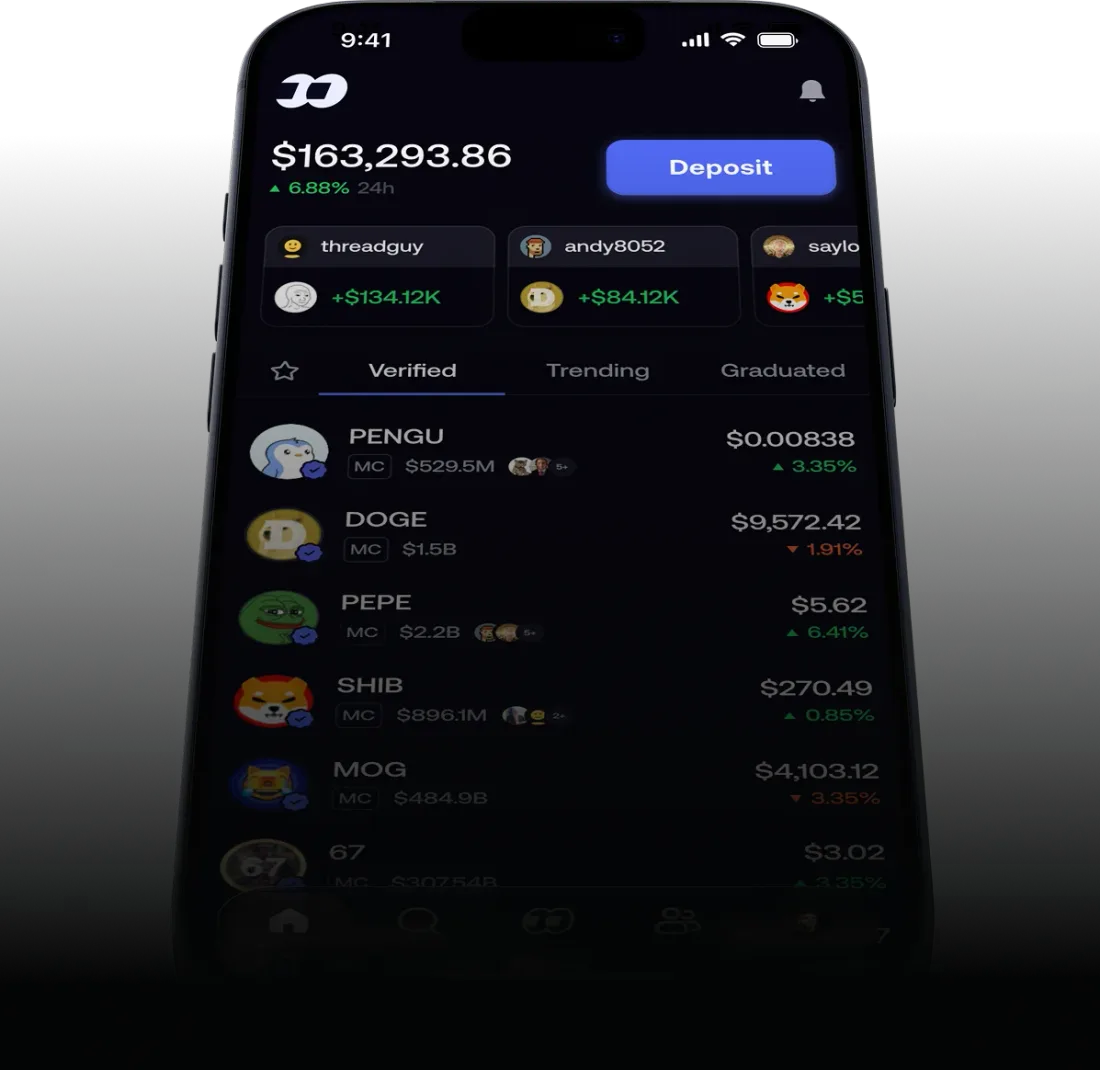
Source: fomo, official product image
Why can't I sell on fomo?
Usually it is one of three limits fomo documents: a warning label you haven't tapped I understand on, a position under fomo's minimum sell of 2 USDC (5 USDC on Ethereum), or a token whose contract won't let anyone sell it. The fourth cause is the price moving while you confirm.
Work out which one it is before you try anything
Read the token's own page first, because the answer is usually printed on it. If a warning label sits at the top of the token and you have never tapped I understand on it, that is the cause. If there is no label, check whether the app says the position is below the minimum. If it is above the minimum and carries no warning, look at whether anyone is trading the token at all, using the liquidity and volume figures on the token page. And if the sell reaches the confirmation screen and only then fails, read the price-impact estimate on that screen, because the market moved rather than the app breaking.
A warning label you have not acknowledged yet
fomo gives this as the most common reason a token will not buy or sell, and the switch is on the token's own page rather than anywhere in settings.
Open the token's page
Tap the token from your portfolio or from search so you land on its full page.
Open the warning
Tap the info icon or the dropdown beside the warning label to show the full text.
Read it, then tap I understand
Once you acknowledge it, fomo's help center says the buy or sell button is enabled. Try the sell again.
If you think the label is wrong, report it
fomo asks for the token's contract address and the chain it is on. Its help center says labels can be corrected where the classification is wrong, and that they update as the token's on-chain conditions change.
fomo is blunt about what the tap means: acknowledging a warning "does not remove the risk. It confirms you have seen it and want to proceed." The labels come from fomo's automated safety systems, which read the token's on-chain characteristics.
The position is under the minimum sell
This is the one nobody guesses, and it explains most reports of a sell button that does nothing on a position that has fallen a long way. fomo's help center, checked September 25, 2026, puts it this way: "The minimum sell in the app is 2 USDC on most networks and 5 USDC on Ethereum, and when network fees are high a sell a little above that can still be too small to route." The reason it gives is that the blockchain fees to process the trade would cost more than the position is worth. USDC is a dollar stablecoin, so read those as roughly 2 and 5 dollars.
The second half of that sentence matters. A position worth 2.30 USDC can still fail on a busy day, because the network fee eats the margin above the floor. The app shows you when a position is below the minimum, so check the token page before assuming something else is wrong.
What you can do about it:
- Retry later if you are just above the minimum. fomo ties the failure to high network fees, so the same sell can go through once they come down. This only helps positions near the line.
- Hide it. The Hide dust toggle in your portfolio view takes small positions off the screen. fomo says the tokens stay in your wallet on-chain, just out of view. The app already hides holdings under 2 dollars, and any it cannot price, by default.
- Move it out of fomo. fomo's help center says you can export your private key at fomo.family/export-key and import it into another wallet you trust, where the in-app minimum does not apply. fomo calls this optional and not necessary for normal use. It also changes who controls the key, which is covered in what changes when you export your key, so it is not a step to take over a dollar of leftovers.
The token will not let anyone sell it
Some contracts carry restrictions written in by their developers, and fomo says directly that no platform can override them. The name for the worst version is a honeypot: a contract that, in fomo's words, prevents "users from selling the token after purchase, effectively trapping funds permanently." If that is what you are holding, the problem is not the app, and fomo cannot recover the funds.
If you have already acknowledged the warning and the sell still fails, fomo's help center points here next. To check, copy the token's contract address and paste it into more than one token scanner, and treat a high-risk flag from any of them as the answer. fomo also flags tokens with unverified contracts at the bottom of the token page.
Nothing fixes a honeypot after the fact, so the useful habit is checking before you buy: liquidity, trading volume, and the contract. Our market pages publish the first two for the  Solana tokens we track, so TRUMP pool depth and 24h volume and the same figures for ACT show what the check looks like.
The price moved while you were confirming
Trades settle on public blockchains where prices can move between the moment you open an order and the moment you confirm it, and thin markets move most.
The confirmation screen shows a price-impact estimate before the order goes through, so read it rather than tapping past it, and expect the widest gap between the price you saw and the price you get on tokens that barely trade.
What about a failed buy instead?
Two of the four causes above apply to buying as well as selling on fomo. A warning label blocks a buy until acknowledged, the same as a sell, and fomo's help center covers both in one article. And a token nobody is trading can fail to fill a buy order for the same reason it traps a sell: there is nobody on the other side of the trade. The minimum is sell-specific, since it exists to stop network fees exceeding the value of a position you already hold.
Trading with the failure modes worked out
Sign up through our link and get a 10% discount on the standard rate per fomo's referral terms.
Get the fomo appCite this page
Quoting a figure from this page? Take the reference from here rather than assembling one, so the date you cite is the date the number was actually checked.
Where these figures come from
Every cause and quoted sentence on this page is read from fomo's own help center at help.fomo.family, specifically the articles 'Why can't I buy or sell this token' and 'What happens to small remaining balances', both re-checked 2026-09-25 after fomo revised them around 2026-09-10. Nothing here comes from fomo, which has no involvement in this site.
You may republish these figures with attribution and a link to https://fomoappguide.com/troubleshooting/fomo-failed-to-sell.
Related reading
- fomo Troubleshooting: Common Problems and How to Fix Them: Apple Pay failures, missing perps, and the app-store name collision
- Why Is Apple Pay Not Working on fomo?: the five documented reasons a payment or deposit fails
- fomo Fees Explained: why a small trade costs more than the 0.50% headline
- Is fomo Safe?: what changes in the custody arrangement once you export your key
- fomo app review: these failure modes weighed against what the app does well
Frequently Asked Questions
fomo's help center documents three causes, checked September 25, 2026. The most common is an unacknowledged warning label on the token: open the token's page, tap the info icon or the dropdown beside the warning, read it, then tap 'I understand' to unlock trading. The second is the size floor. In fomo's words, 'the minimum sell in the app is 2 USDC on most networks and 5 USDC on Ethereum,' and when network fees are high, a sell a little above that can still be too small to go through. The third is the token itself. Some contracts carry restrictions the developer wrote in, and fomo says no platform can override them.
Read the token's own page first, because the answer is usually printed on it. A warning label you have not tapped 'I understand' on is the first cause. No label, but the app tells you the position is below the minimum, is the second. Above the minimum with no label means check whether anyone is trading the token at all, using volume and pool depth. And if the sell only fails after you reach the confirmation screen, read the price-impact estimate there, because the market moved rather than the app breaking.
Not inside the app. fomo's help center offers two options. The Hide dust toggle removes small positions from your portfolio view without deleting them from the wallet. Or you can export your private key at fomo.family/export-key and import it into another wallet you trust, where fomo's in-app minimum does not apply. fomo calls the export optional and not necessary for normal use, and it changes who holds the key, so it is worth doing deliberately rather than over a dollar of leftovers.
A honeypot is a contract written so that, in fomo's words, it prevents 'users from selling the token after purchase, effectively trapping funds permanently.' If that is what you are holding, the app is not the problem and fomo cannot recover the funds, because the restriction lives in the token's own code rather than in fomo's platform. fomo's stated prevention is to check liquidity and trading volume before buying, and to run a contract through more than one scanner rather than trusting a single result.
Two of the causes apply to buying too. A warning label blocks a buy until you acknowledge it, and a token nobody is trading can fail to fill a buy order the same way it fails to fill a sell. The minimum is a sell rule, since it exists to stop you paying more in network fees than a position is worth.
FomoAppGuide is an independent, unofficial resource. It is not affiliated with, produced by, reviewed by, endorsed by, or sponsored by FOMO Labs, Inc., the company behind the fomo app. "fomo" and all related names, logos, and marks belong to their respective owners and are used here only to identify and comment on the products this site covers. For anything official, go to fomo.family. Full disclaimer.
Disclaimer: Nothing here is legal, tax, financial, or investment advice, and none of it is a recommendation to trade. Trading crypto carries real risk of total loss. Whether a product is lawful, how a trade is taxed, and what is available where all vary by jurisdiction and change over time. Check the primary sources, read the platform's own terms, and speak to a qualified professional before acting on anything you read on this site. Trading memecoins in particular involves substantial risk of loss, and most of them go to zero. Past performance is not indicative of future results. This site contains referral links: signing up through our referral link earns us a share of the trading fee you pay, at no extra cost to you, and gives you a permanent 10% discount on your own trading fee.
Ready to Start Trading?
Sign up to fomo through our link and your trading fee is permanently 0.45% instead of 0.50%.
Get 10% off fomo fees