fomo Deposit Limit Reached? What the Limits Are and What Actually Lifts Them
Table of Contents
 If fomo says you have reached a deposit limit, the likeliest cause is the Apple Pay payment method. That route has a weekly spending limit and a cap on the number of transactions, and fomo sets both per account. Below is each limit as fomo's help center describes it, and the order to check them in.
fomo publishes one deposit figure: Apple Pay token purchases stop at $2,500 a day and reset at 12 AM EST. The Apple Pay option on the Debit Card screen also has a weekly limit and a lifetime transaction cap that depend on your account, and the deposit screen shows what you have left. Debit card deposits without Apple Pay, Pay with Coinbase, and USDC sent from another wallet are separate routes, and fomo publishes no limit for any of them.
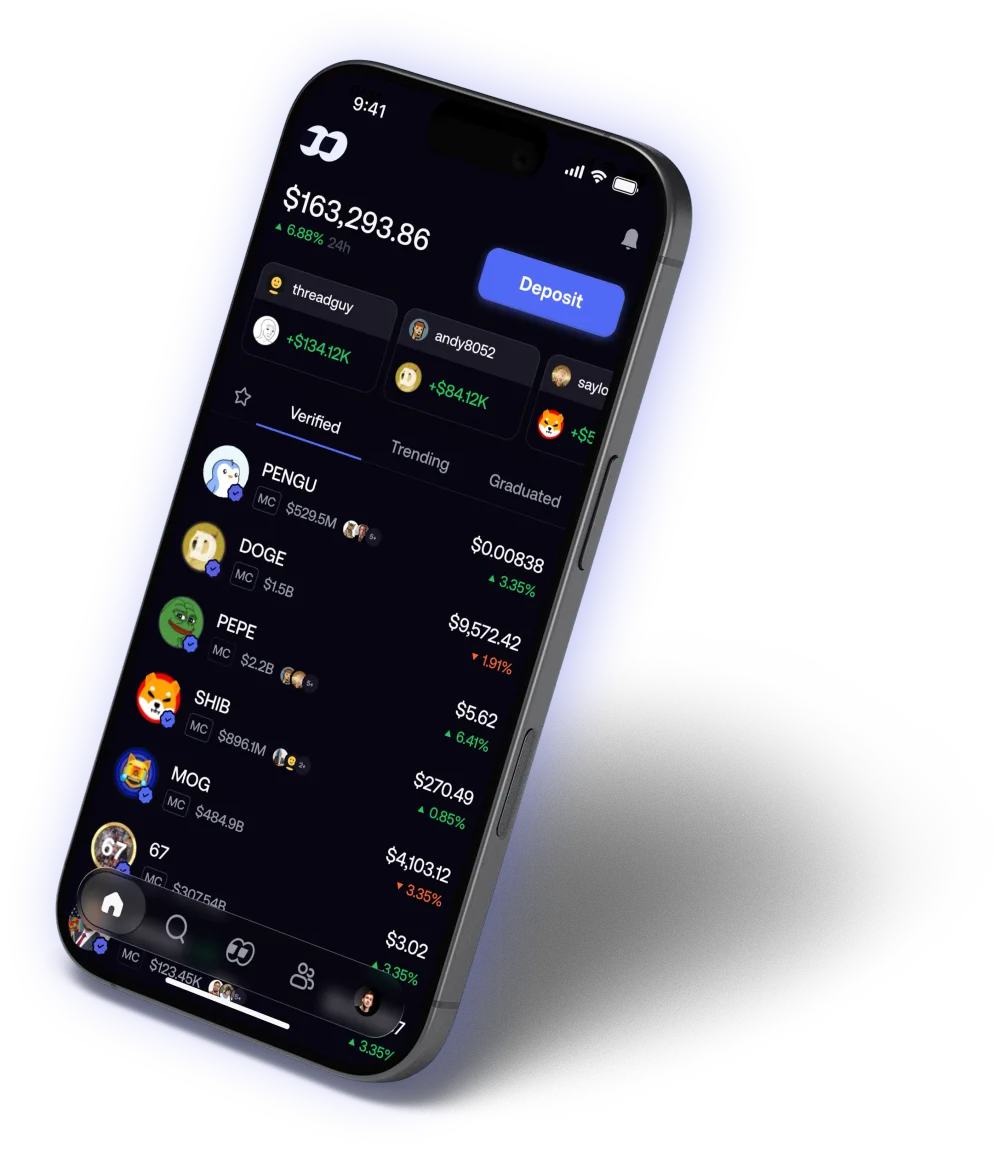
Source: fomo, official product image
"Total deposit limit reached": what the message means
The message most likely means a limit on the Apple Pay method is used up. fomo's help center says that method "may have a weekly spending limit and a cap on how many transactions you can make in total, depending on your account," and that the deposit screen shows how much of each you have left. fomo doesn't publish either number.
One caveat. fomo's help center doesn't print the words "total deposit limit reached" anywhere we could find. The transaction cap is the documented limit that matches "total," so it's the best fit, but nothing fomo publishes confirms it.
What are fomo's deposit limits?
fomo has four ways to fund an account, and its help center says the Deposit screen shows the ones available to your account, so you may not see all four. Here is each route with whatever limit fomo publishes for it:
| Route | What it does | Limit fomo publishes |
|---|---|---|
| Apple Pay, from a token | Buys one specific token directly, through Crossmint | $2,500 a day, resetting at 12 AM EST |
| Apple Pay, on the Debit Card screen | Adds USDC to your cash balance | A weekly spending limit and a total transaction cap, set per account, no figures given |
| Debit Card | Adds USDC to your cash balance from a bank-issued debit card | None published |
| Exchanges and apps | Pay with Coinbase, plus Cash App on some accounts; the options depend on your account | None published |
| Crypto (USDC) | You send USDC from another wallet or exchange | None published; available everywhere fomo is |
"None published" means we found no figure, not that no limit exists. A payment provider or your own bank can still cap a card payment on its side.
Separately, after several failed attempts in a short window the payment step pauses for at least an hour. fomo says the cooldown "can last longer" depending on how many attempts were made. It isn't a limit on how much you can deposit, but it blocks you just the same.
New to fomo?
Sign up through our link and get a 10% discount on trading fees, per fomo's referral terms. It can only be added when you create the account.
Get the fomo appWhy you hit a limit, most likely cause first
1. The Apple Pay method's weekly limit or transaction cap. This one fits a "total" message best. Open the deposit screen and look at what it says you have left. If it shows an option to increase the limit, that is fomo's own documented route. If it doesn't, switch to one of the routes in the next section.
2. The $2,500 daily cap on Apple Pay token purchases. This applies only when you buy a token directly with Apple Pay. It resets at 12 AM EST, so waiting is the fix. You can also fund your cash balance through the Debit Card route, which is a separate transaction from a token purchase.
3. Your bank or card, not fomo. Some banks block crypto purchases by default, and fomo's payment providers take only bank-issued debit cards. Prepaid, gift and virtual cards are declined, Apple Cash included, whether you use them directly or through Apple Pay. The card number, expiry date, CVV and billing address must match your bank's records exactly. A failure here can look like a limit even though no fomo limit was hit. If your details are right, fomo says a call to your bank to approve the purchase usually clears it.
4. Too many attempts. If the message says too many attempts or too many requests, you've hit the cooldown. Wait at least an hour. Closing the app doesn't reset the timer, and trying again too soon can make the wait longer.
5. Your region. Card deposits aren't offered in every country. If the app says deposits aren't available in your region, fomo says no card or bank change will fix it. USDC deposits are the route left.
Identity verification doesn't belong on this list. The verification fomo documents is run by its partner Spritz and applies to withdrawals to a US bank account. fomo says it confirms you are 18 or older. Nothing in the help center connects it to deposit limits.
What actually lifts the limit
Four things, in the order fomo's help center gives them:
Use the increase option, if it's there
When you have hit a limit on the Apple Pay method, fomo says you may see an option on the deposit screen to raise it. It doesn't say what that involves or who gets it, so we can't either.
Switch back to the Debit Card method
Enter your card details on the Debit Card screen instead of paying with Apple Pay. fomo says debit card deposits are usually ready to trade within a few minutes.
Pay with Coinbase
If you have a Coinbase account, Exchanges and apps on the Deposit screen funds fomo from your Coinbase balance.
Send USDC directly
Go to Deposit, then Crypto, pick the network your USDC is on (Solana, Base, BNB Chain, Monad or Ethereum), copy the address, and send only USDC on that same network. On Robinhood Chain the deposit asset is USDG, which converts to USDC in your cash balance automatically.
USDC deposits, whether on  Solana,
  Base or another supported network, skip card networks completely, and fomo offers them as the fallback in nearly every help article cited here. If you don't hold any USDC yet, fomo's advice is to buy it on a crypto exchange that operates in your country and send it to your fomo deposit address. The one mistake to avoid is sending USDC on a different network from the address you copied, so how deposits and withdrawals work walks through the address step in detail.
Why won't fomo let me deposit money?
If no limit message appears and the deposit still fails, the cause is usually one of the problems in cause 3 above: a bank block, a card type fomo's payment providers don't accept, or details that don't match your bank's records. If it was an Apple Pay purchase that failed, why Apple Pay is not working on fomo covers its five documented causes one by one.
A failed deposit can still show up as a charge on your bank statement. fomo says that is a temporary authorization hold, not a completed charge. No money moved, and your bank releases it on its own, usually within 1 to 3 business days. Weekends and holidays don't count toward those days. If the hold is still there after 3 full business days, fomo says to contact your bank, which can trace the authorization without anything from fomo.
People also ask about Cash App, Venmo and PayPal. fomo's help center says Cash App Card, Venmo, Zelle and PayPal cards are not accepted on the Debit Card method. Some accounts do see Cash App listed under Exchanges and apps on the Deposit screen, and if yours does, you can deposit that way. For everything else that goes wrong after the money arrives, the troubleshooting hub covers failed sells, failed buys and the app-store name mix-up.
Funding sorted, ready to trade?
Sign up through our link and your standard trading fee drops from 0.50% to 0.45%, per fomo's referral terms.
Get the fomo appSources
Every limit and quoted sentence on this page comes from fomo's help center, read October 27, 2026:
- Why did my card deposit fail?: the Apple Pay method's weekly and total limits, the increase option, card types, region
- Why did my Apple Pay purchase fail?: the $2,500 daily cap and Crossmint
- Why does it say too many attempts?: the cooldown
- Can I deposit with Cash App, Venmo, or PayPal?: which cards the Debit Card method declines
- How to deposit funds and Where is fomo available?: the four routes and regional availability
- My bank was charged but nothing showed up: authorization holds
- What is identity verification?: Spritz and bank withdrawals
fomo can change any of these without notice, and the limit that applies to you is the one your deposit screen shows.
Quoting a figure? Cite this pageShowHide
FomoAppGuide, "fomo Deposit Limit Reached? What the Limits Are and What Actually Lifts Them." Published October 27, 2026, last checked October 27, 2026. https://fomoappguide.com/troubleshooting/fomo-deposit-limit-reached
<a href="https://fomoappguide.com/troubleshooting/fomo-deposit-limit-reached">fomo Deposit Limit Reached? What the Limits Are and What Actually Lifts Them</a>, FomoAppGuide, last checked October 27, 2026.Every limit and quoted sentence on this page is read from fomo's own help center at help.fomo.family, checked 2026-10-27, from the articles listed under Sources. Nothing here comes from fomo, which has no involvement in this site.
You may republish these figures with attribution and a link to https://fomoappguide.com/troubleshooting/fomo-deposit-limit-reached.
Related reading
- Why Is Apple Pay Not Working on fomo?: the five documented reasons an Apple Pay purchase fails
- fomo Deposits and Withdrawals: every way money goes in and comes out
- fomo Troubleshooting: Common Problems and How to Fix Them: failed sells, failed buys and missing perps
- fomo Fees Explained: what a trade costs once the money is in
Frequently Asked Questions
It most likely means you have used up a limit on the Apple Pay payment method. fomo's help center, read October 27, 2026, says that method 'may have a weekly spending limit and a cap on how many transactions you can make in total, depending on your account.' The deposit screen shows how much of each you have left. fomo does not publish the numbers, and it does not print the 'total deposit limit reached' message word for word, so this is the closest documented match rather than a confirmed one.
fomo publishes one daily figure: direct token purchases through Apple Pay are capped at 2,500 dollars a day, resetting at 12 AM EST. It publishes no daily or total figure for debit card deposits or for USDC sent from another wallet. The Apple Pay option on the Debit Card screen has a weekly limit and a transaction cap that depend on your account, and fomo does not give the figures for those either.
fomo's help center says that if you have hit a limit on the Apple Pay method, you may see an option on the deposit screen to increase it. It does not say what raising it involves or who qualifies. If the option is not there, switch routes: the Debit Card method without Apple Pay, Pay with Coinbase under Exchanges and apps, or Deposit, then Crypto to send USDC you already hold.
fomo's help center does not say so. The verification it documents, handled by its partner Spritz, is for withdrawals to a US bank account, and the article describes it as confirming your age. We found nothing that ties it to deposit limits, so we would not verify expecting a higher limit.
FomoAppGuide is an independent, unofficial resource. It is not affiliated with, produced by, reviewed by, endorsed by, or sponsored by FOMO Labs, Inc., the company behind the fomo app. "fomo" and all related names, logos, and marks belong to their respective owners and are used here only to identify and comment on the products this site covers. For anything official, go to fomo.family. Full disclaimer.
Disclaimer: Nothing here is legal, tax, financial, or investment advice, and none of it is a recommendation to trade. Trading crypto carries real risk of total loss. Whether a product is lawful, how a trade is taxed, and what is available where all vary by jurisdiction and change over time. Check the primary sources, read the platform's own terms, and speak to a qualified professional before acting on anything you read on this site. Trading memecoins in particular involves substantial risk of loss, and most of them go to zero. Past performance is not indicative of future results. This site contains referral links: signing up through our referral link earns us a share of the trading fee you pay, at no extra cost to you, and gives you a permanent 10% discount on your own trading fee.
Ready to Start Trading?
Sign up to fomo through our link and your trading fee is permanently 0.45% instead of 0.50%.
Get 10% off fomo fees